To upgrade your trader listing to a different package, make sure you are logged into your account.
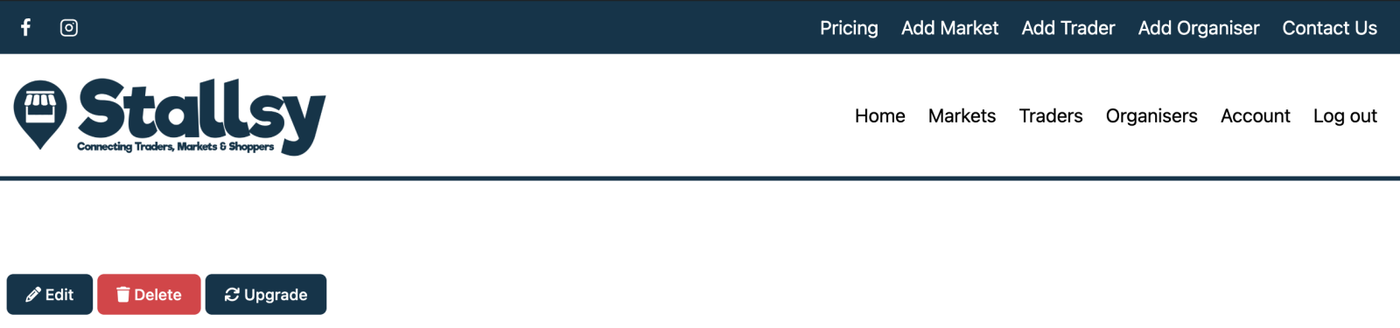
Visit your trader page and at the top you will see three buttons. Click on 'UPGRADE'.
You will now have the option to choose the package you would like to upgrade to.
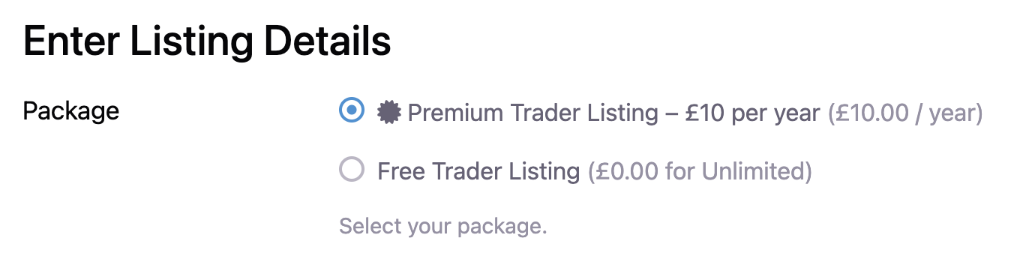
Make your selection and scroll to the bottom of the page and click on 'SUMBIT LISTING'.
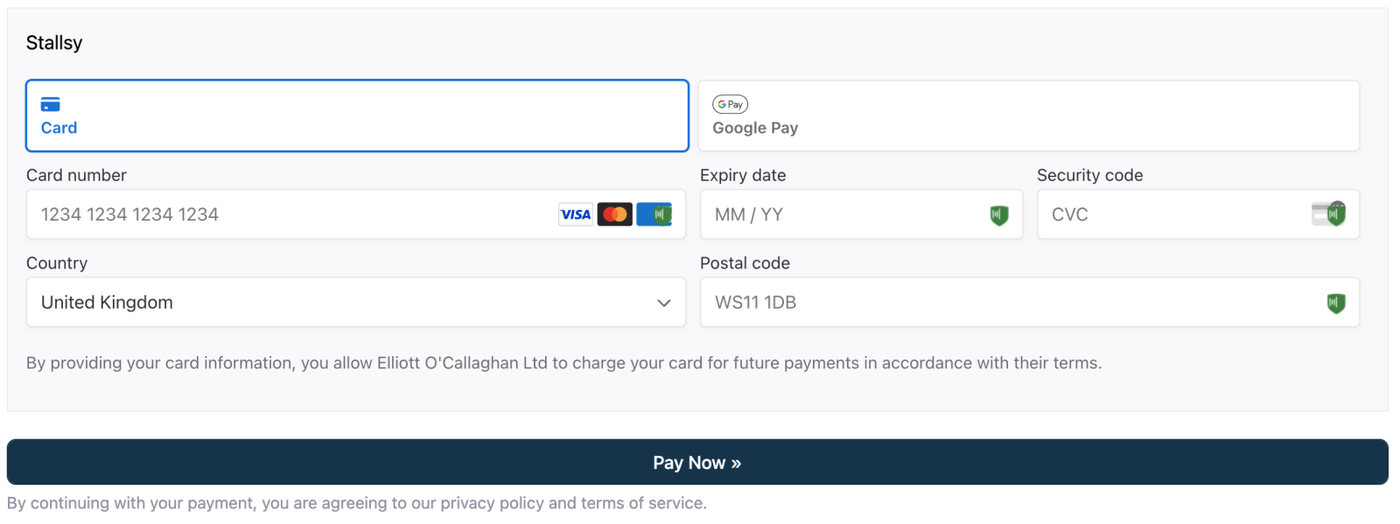
You will then be taken to the payment page, enter your details and card details, then click 'PAY NOW'
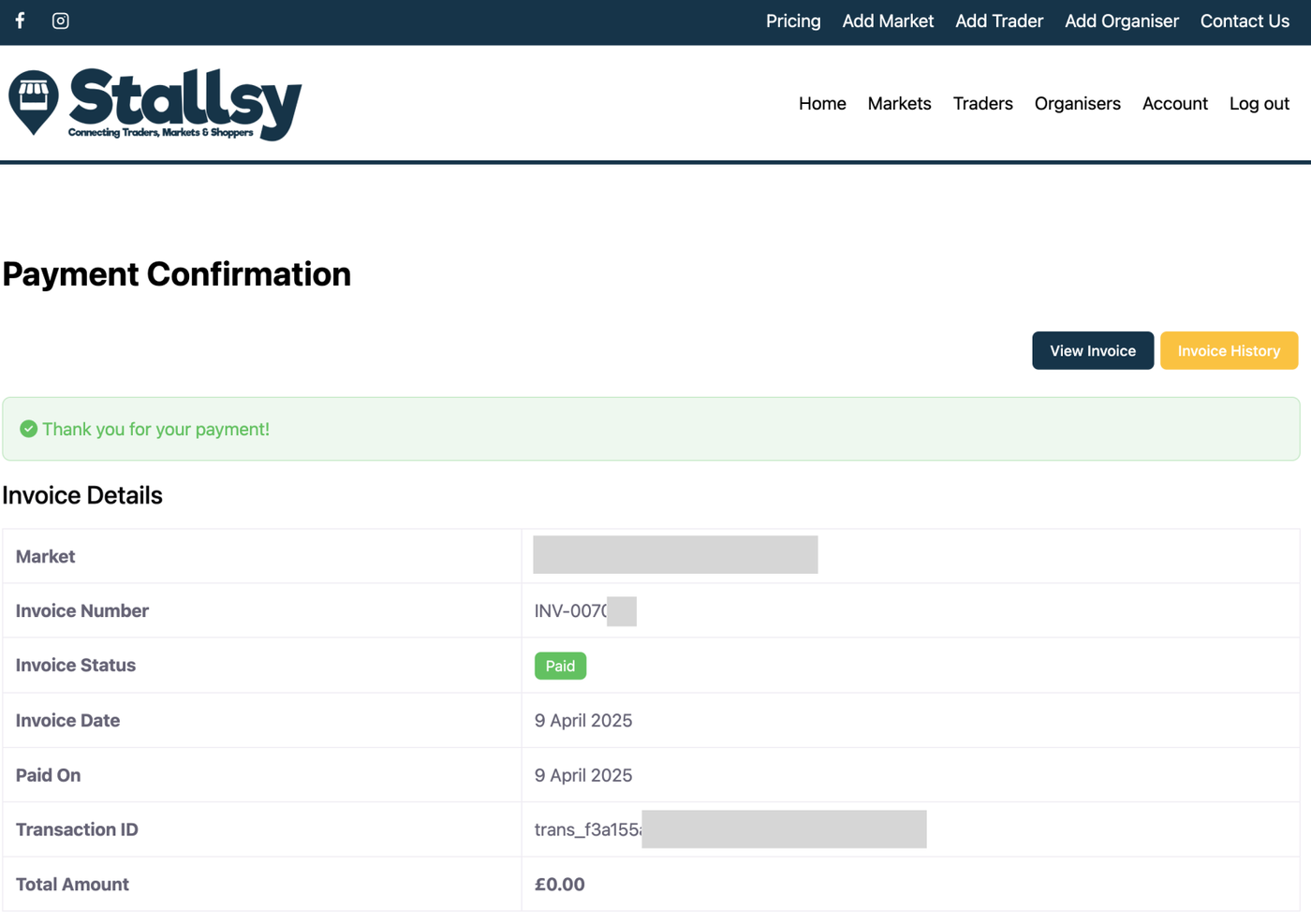
Once payment has been made, you will see the Payment Confirmation Page and be able to download your invoice.