If you're a market trader, you can create a FREE Stallsy trader account.
To set up your account visit https://stallsy.co.uk/ and click on 'ADD TRADER'
You will now need to click on 'REGISTER' and complete the registration form.
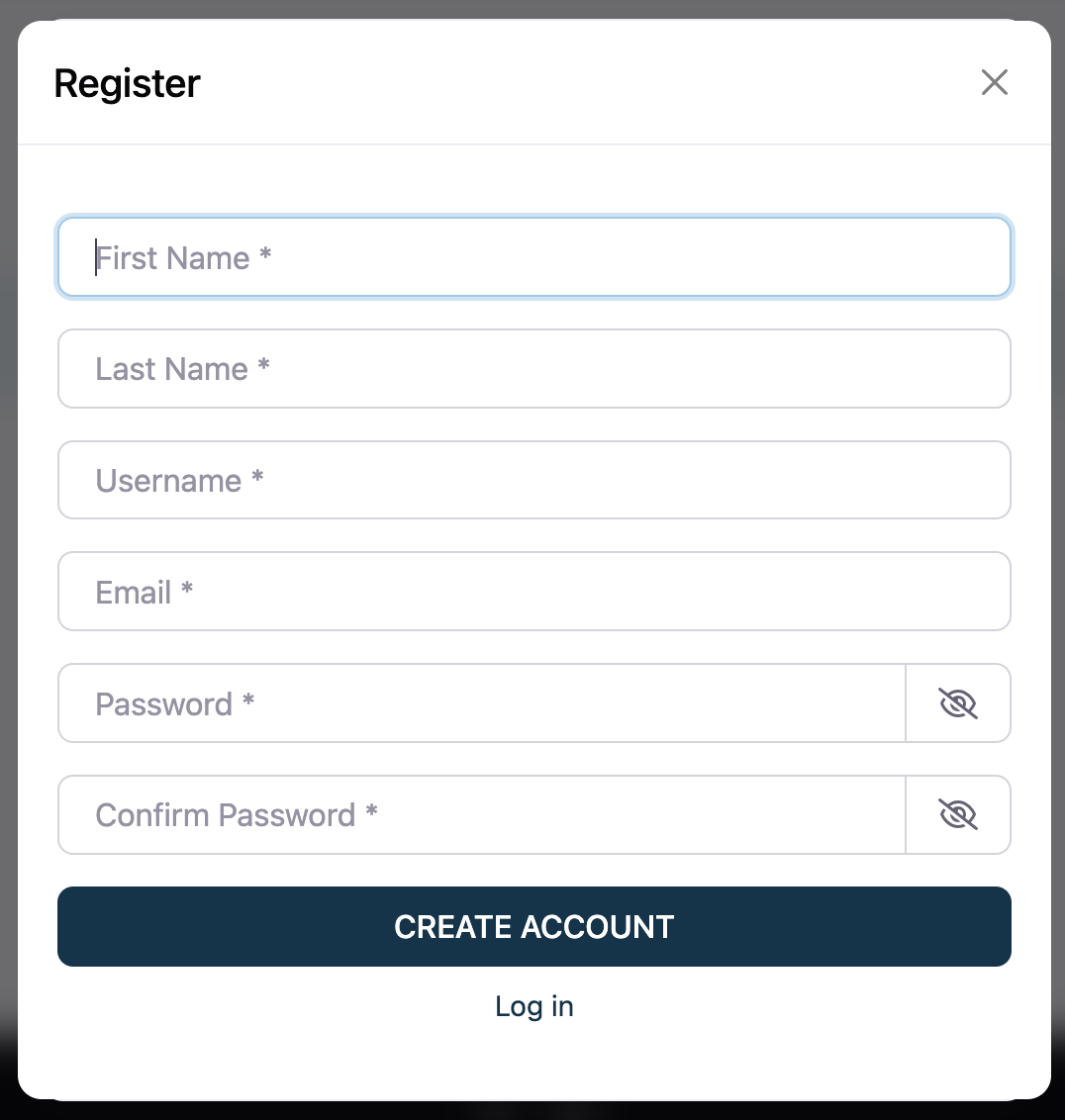
Once complete, click on 'CREATE ACCOUNT'.
Once your account has been created, you will see a green confirmation bar.
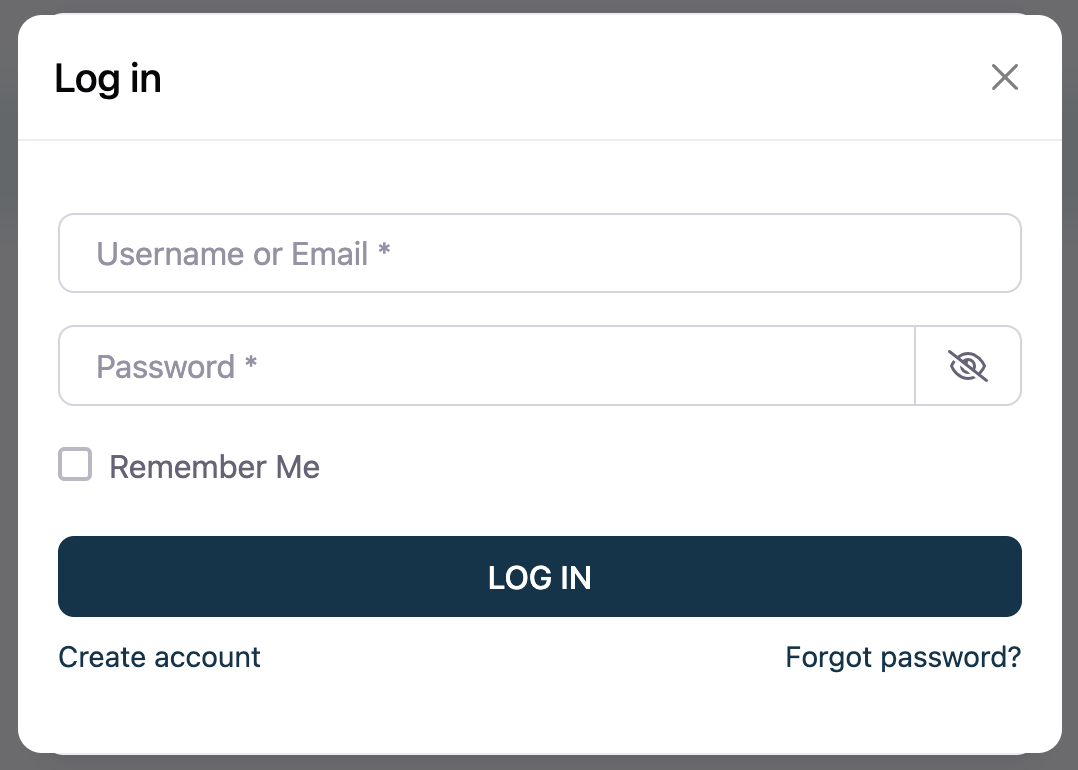
You can now log in.
To log in, click on 'LOG IN' and enter the username and password you have just created.
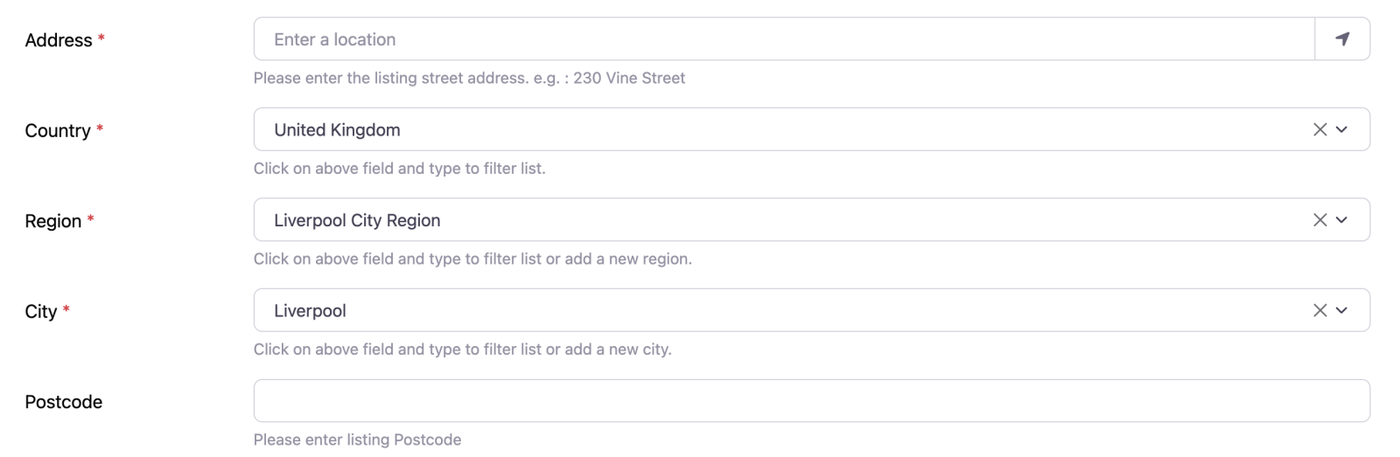
Once you have logged in, you will see the 'ADD TRADER' page where you can enter all your details, upload your logo and images etc.
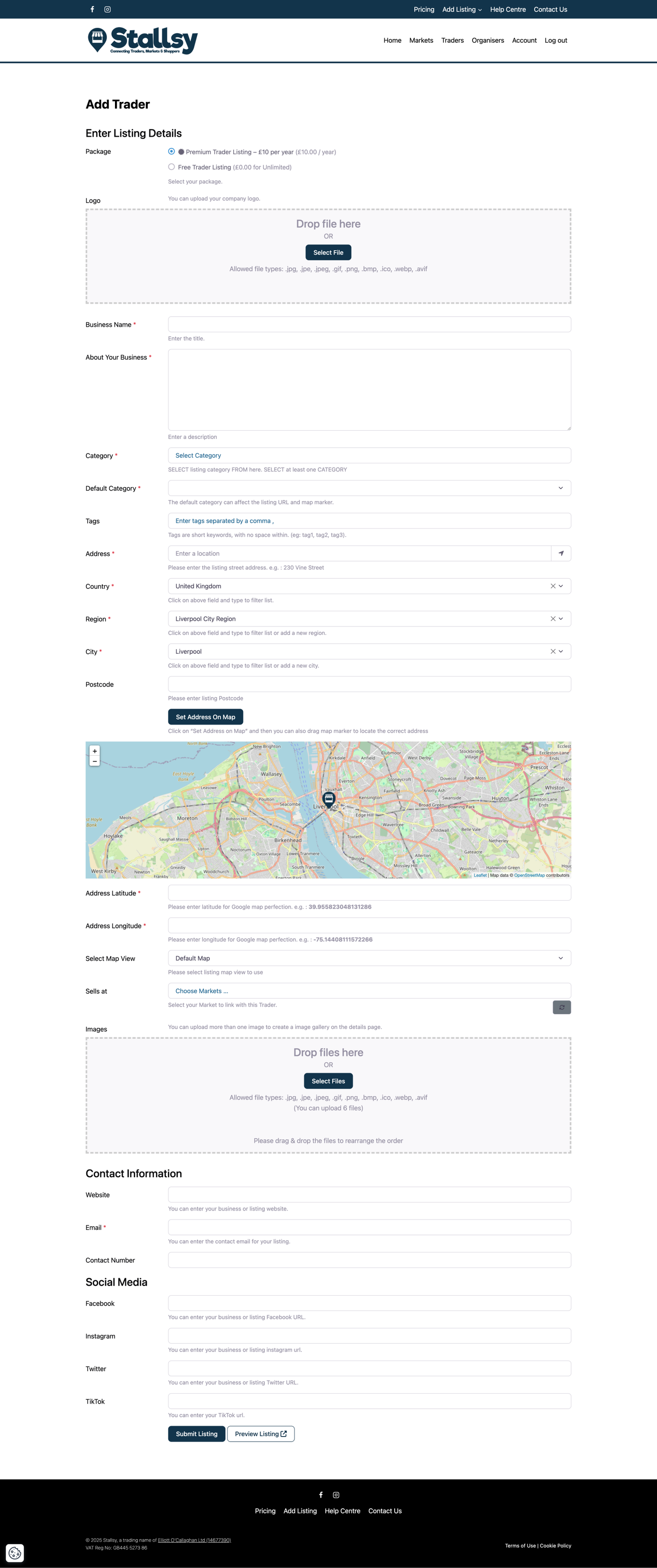
When adding your address, your region and/or city may not be in the dropdown list. If it's not, please just type it into the box and it will automatically add it to the system for you.
Now click on 'SUBMIT LISTING' to add it to Stallsy.