

Once you've added a market to Stallsy, it will be published live to the site.
If you need to edit your market, you first need to make sure you are logged into your account. Then go to the organiser page itself.
At the top of the page, you will see an 'EDIT' and 'DELETE' button.
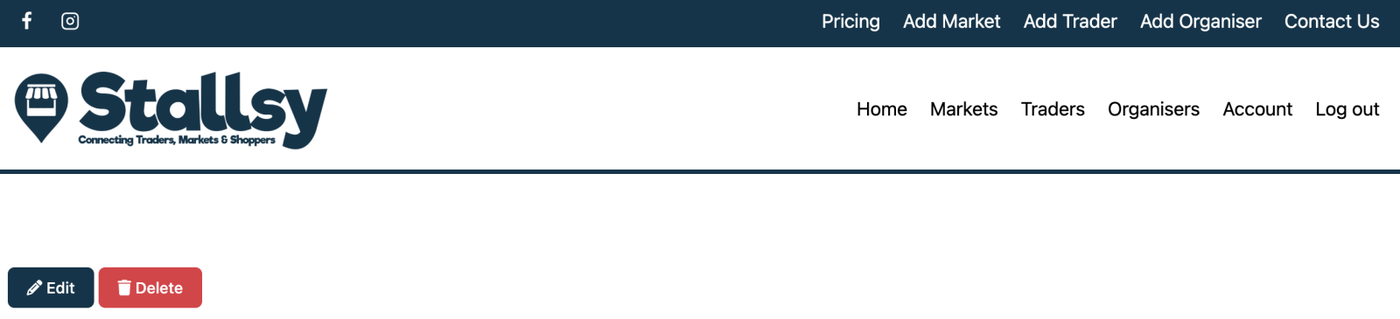
Click on 'EDIT' and the organiser page will open up for you to make your changes.
Once done, scroll to the bottom of the page and click 'SUMBIT LISTING'.
Your listing will now be live with the new edits you have made.