

Please note: This feature is only available with an active Premium & Pro Market Listing Package.
If you are holding a recurring event and want to list all the dates in one go, you can do this with the 'Recurring Events' option.
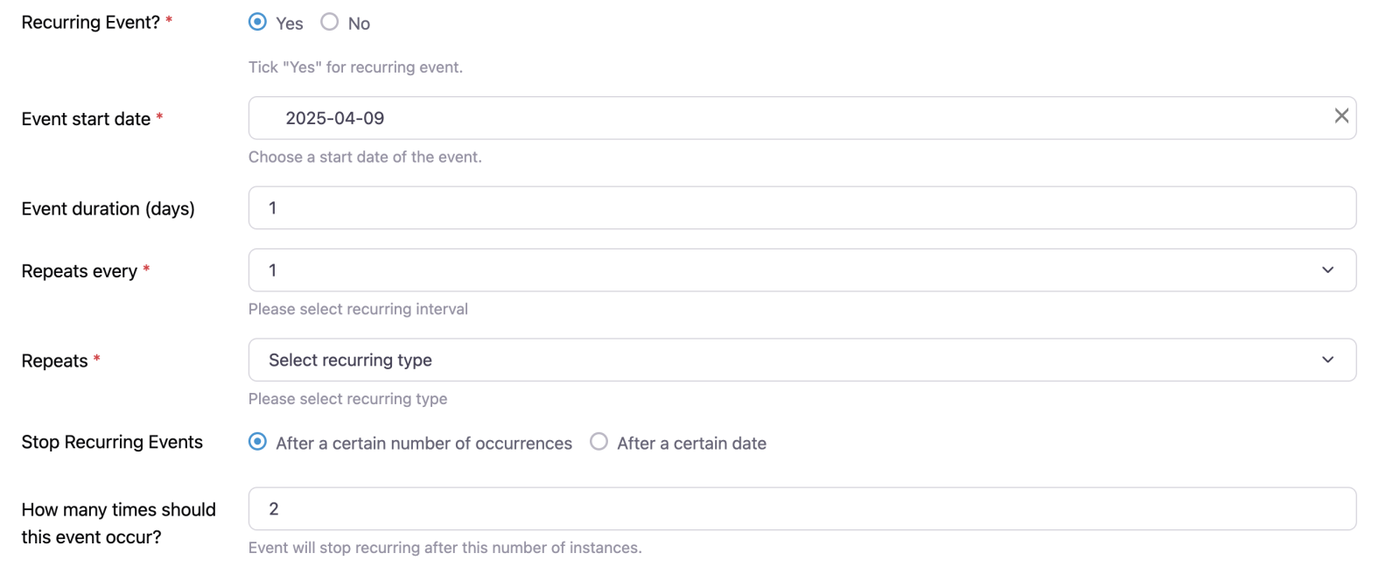
You can choose exactly how often you would like the event to repeat by choosing from the dropdown.

If your events are on different dates or not as regular, you can choose the 'CUSTOM' option in the drop-down list.
With Custom selected, you will now be given a calendar to choose the dates of your events. Simply click on the dates and they will turn blue and be added.
