

Once you have created your 'Organiser' account, it's now time to add your markets to Stallsy.
Make sure you are logged in and click on 'ADD MARKET'.
You will now see the Add Market page where you can add the information about your upcoming market.
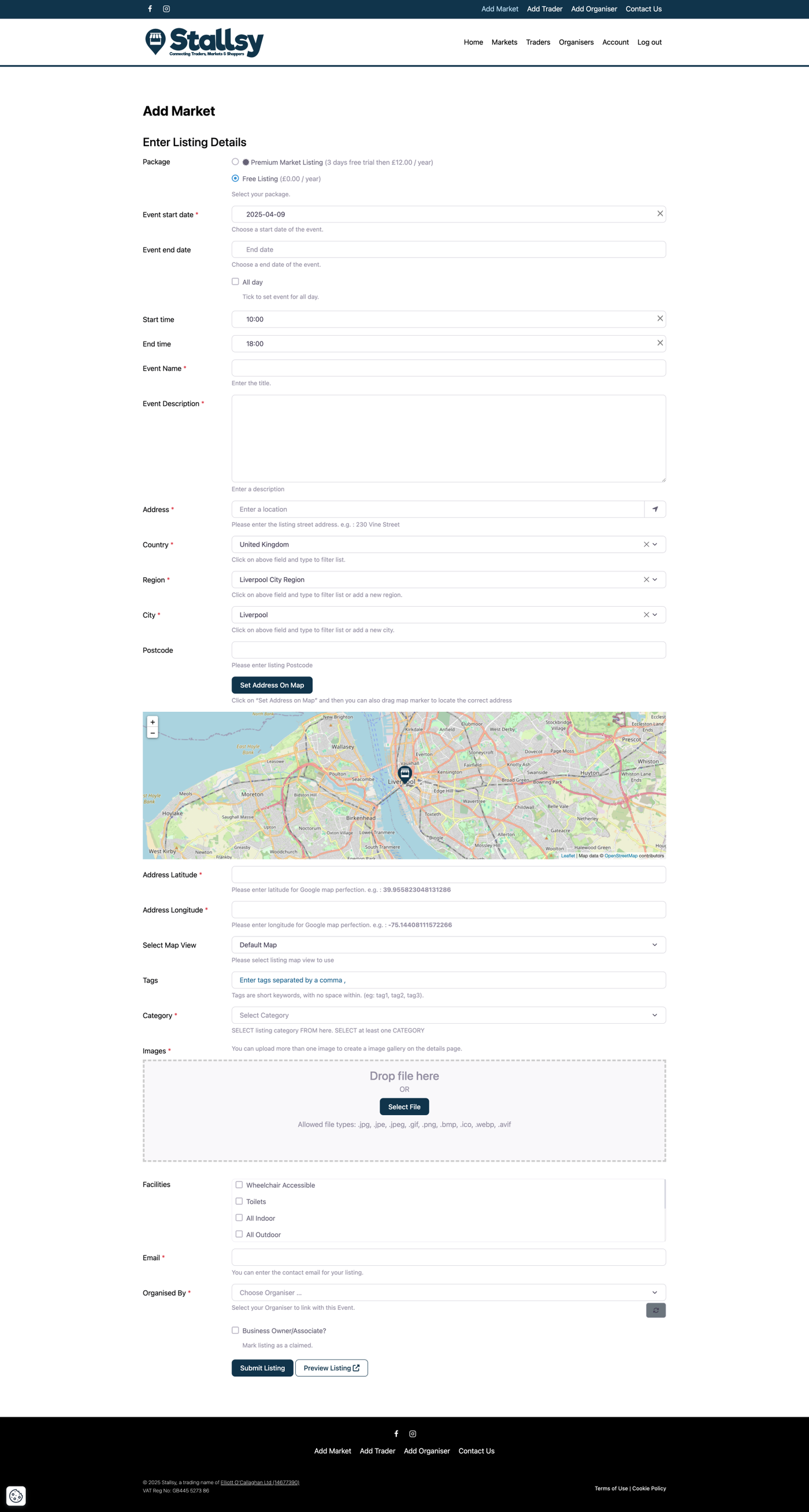
When you begin to add your listing, it will ask you which 'PACKAGE' you would like to use for this market listing.

For more information on the different package types and the features, please Click Here
Select the package you would like to use and carry on adding all the information about your market.
At the end of the page, it will have an 'ORGANISED BY' option. Here you need to type in the name of the Organiser listing to link the market to your organiser profile. Once you start to type in your name, it will show up.
You will also have to tick the box next to 'Business Owner/Associate?' for this listing.
Once done, click on 'SUBMIT LISTING'.